Tracking Expiration Dates in a Supplement Store: A Practical Playbook
Expired protein, vitamins, and pre-workout are a safety risk and a silent profit leak. Here's how supplement and health food stores stay ahead of every expiry and recall.

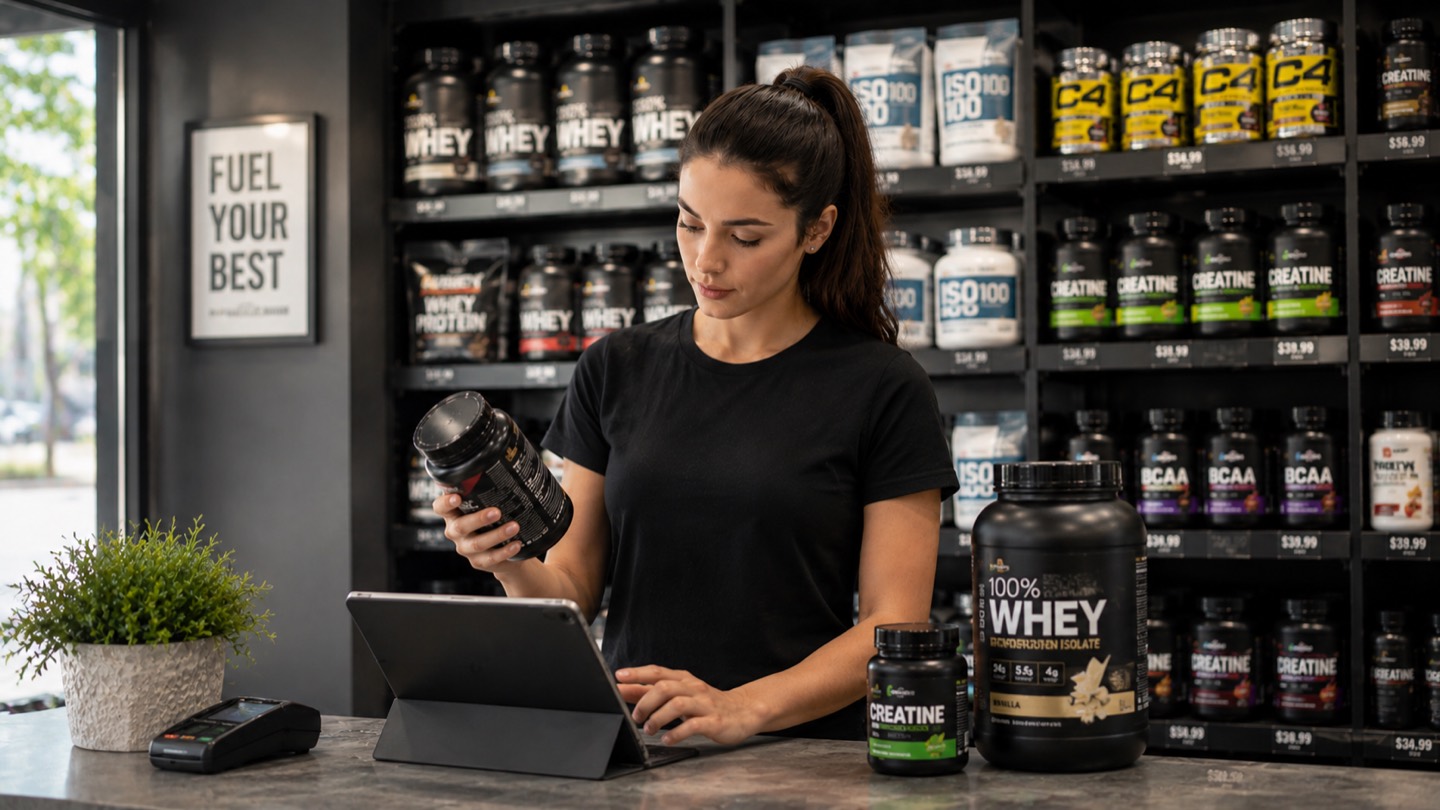
A customer picks up a tub of whey, turns it over, and reads the date on the bottom before you do. Or a brand issues a recall on a specific lot of pre-workout at 4 p.m. and you need to prove you’ve pulled every unit. In both moments, the same question decides how it goes: do you know exactly what’s on your shelves and when it expires?
Most supplement shops answer that from memory and a bit of luck — until the day luck runs out. Best-by dates tick down quietly across hundreds of SKUs and flavors, slow-moving variants gather dust in the back, and nobody notices the problem until a customer points at a date or a distributor sends a recall notice.
This playbook is about never being caught out. Not a single trick, but the handful of habits that keep expired product off your shelves, recalls under control, and money out of the bin.
The Dates That Actually Matter on a Supplement
A protein tub looks like it lasts forever. It doesn’t — and the way it ages isn’t always obvious on the label.
- Manufacturer expiration / best-by date. Printed on the tub or bottle. The date customers check and the one a short-dated return hinges on.
- Potency over time. Supplements lose effectiveness well before they’re “dangerous.” Probiotics shed live cultures, fish oil and other fats go rancid, vitamins and pre-workout actives degrade. A product can be technically in-date but no longer worth selling.
- Lot / batch number. Not a date, but inseparable from one. It’s the only thing that turns a recall from a shelf-by-shelf hunt into a thirty-second search — and supplement recalls (contamination, banned actives, mislabeled ingredients) are a real, recurring risk.
If your tracking captures only the printed best-by, you’re watching the easy layer and missing the two that quietly cost you sales and create liability. Capture all three the moment stock comes in — it’s seconds at intake and saves entire afternoons later.
A tub of pre-workout six weeks from its best-by date is still “fine” on paper, but it’s the last thing a customer wants to pay full price for. Treat short-dated stock as something to move now — not something to discover at the register.
Make FEFO Your Default, Not FIFO
Here’s the rotation rule most retail gets away with — and supplement shops shouldn’t.
Standard retail runs on FIFO: First In, First Out. Sell the oldest arrivals first. It works when arrival order matches expiry order. With supplements it often doesn’t: a fresh delivery of the same flavor can carry an earlier best-by date than tubs already sitting on the shelf. Follow FIFO and you’ll sell the longer-dated stock first and let the short-dated units quietly expire in the back.
Supplement shops need FEFO: First Expired, First Out. Always move and sell the nearest-to-expire unit first, no matter when it arrived.
Physically, that means shelving newer-but-longer-dated stock behind what’s already there. Mentally, it means staff should never have to guess which tub goes first — the system should tell them.
When you add a product in Assetsy, scan its barcode to pull up the item, then enter its expiration date and keep the lot or batch number in the name or notes. The dashboard’s “Expiring Soon” view surfaces the nearest-to-expire stock, so FEFO has something concrete to act on instead of relying on memory.
Catch the Expiry Before It Becomes Dead Stock
Rotation keeps the right tub at the front. But the unit nobody buys in time still has to go somewhere — and the difference between a sale and a write-off is timing.
Spot a short-dated item while it still has weeks of shelf life and you have options: move it to a front display, bundle it into a promo, discount it, or return it to the distributor while they’ll still take it. Spot it the day it expires and you have one option: the bin. That’s pure shrinkage — money you already spent, gone. And in a category with endless flavors and fast-moving trends, slow variants are exactly where this happens.
The whole game is moving from checking to being told. A walk down the aisle catches expiries the day you happen to look. A reminder set against the product warns you ahead of time, while you can still act. In Assetsy, you add an expiration date to an item and switch on a reminder for it; the app then notifies you up to a month before the date — no formulas, no calendar entries, no turning every tub by hand. (Date reminders are part of the paid Pro plan.)
A few expired tubs a month barely registers. Totalled across a year — and across every flavor and SKU you carry — write-offs at a busy shop add up fast. Almost all of it is preventable with earlier warnings.
When a Batch Gets Recalled, Speed Is the Whole Job
This is where expiration tracking stops being housekeeping and becomes risk management.
Supplement recalls are not rare — undeclared ingredients, banned stimulants, contamination, and mislabeling all happen. When a brand recalls lot number XYZ-2241, “we’ve probably sold through it” is not an answer a customer or a regulator will accept. You need to identify every affected unit, pull it, and prove it — fast.
If your lot numbers live in staff memory or a paper log, that’s an afternoon of lifting tubs and squinting at labels. If they’re recorded against each item, it’s a single search: type the lot, see every matching unit and where it is, pull them. The work that used to eat hours takes minutes.
That’s exactly why the lot number belongs in your records from day one — not because you’ll need it often, but because the one time you do, nothing else will substitute for it.
Verify on the Shelf, Not Just on Screen
A system tells you what should be there. Only a physical check confirms what is. The two have to meet regularly, or your data drifts away from reality.
A practical rhythm:
- Monthly — a short-dated sweep. Pull anything within the next month or two of expiry and decide its fate: front display, promo, return, or remove.
- Quarterly — a full count, reconciled against your records.
Done with a clipboard, this is the chore everyone postpones. Done with the app on a phone, it goes faster: scan a product’s barcode to pull up its record, check quantities and dates as you go, and lean on the “Expiring Soon” view to see what’s closest to lapsing. When you want a clean working list, export your full catalog — or selected folders — to Excel.
To make all of the above effortless, set the foundation up once:
- Organize stock the way you sell it — into folders (protein, pre-workout, creatine, amino acids, vitamins, weight management, snacks) and tags for brand or flavor.
- Add each product fast — snap a photo and AI suggests the name and details, or scan its barcode to pull up the item, then add the expiration date and keep the lot number in the name or notes.
- Give the right access — editor rights for staff who manage stock, viewer rights for those who just need to look things up, all in one shared and always-current system.
What a Working System Looks Like
You don’t need enterprise software to do this well — but you do need more than a spreadsheet can offer. Here’s where each approach lands:
| Capability | Inventory App | Spreadsheet | Pen & Paper |
|---|---|---|---|
| Warns you before expiry | ✓ Per-item reminders | ✕ Manual reminders | ✕ None |
| Finds a recalled lot | ✓ Instant search | ⚠ Manual filtering | ✕ Page by page |
| Reflects real stock now | ✓ Always current | ⚠ Only if updated | ✕ Out of date fast |
| Speeds up shelf counts | ✓ Barcode lookup | ⚠ Print & mark | ✕ Fully manual |
| Works for a whole team | ✓ Roles & history | ⚠ Edit conflicts | ✕ One copy |
Not Ready for an App? Start Structured
If moving to software today feels like a leap, don’t stay on memory — at least get the dates into a structured sheet so nothing slips through. List every product with its lot number, expiration date, quantity, and location, and review it weekly.
Download the Assetsy import template (Excel) and start tracking today. When you’re ready to let software handle the reminders and Excel exports, import the same file straight into Assetsy — no starting over.
Where Supplement Shops Slip Up
The failures are predictable, which means they’re avoidable:
- Trusting the printed date alone. Potency fades before the best-by — short-dated probiotics, fish oil, and pre-workout are weak sellers long before they’re “expired.” Move them early.
- Skipping lot numbers. Cheap to capture, priceless during a recall. Don’t wait until you need one.
- Rotating by arrival, not expiry. FIFO feels right and quietly burns short-dated flavors. Rotate by expiration date.
- Reacting instead of forecasting. Once it’s expired, it’s already a loss. The point of a reminder is to act early, while the stock still has value.
- Letting one person “just know” the dates. That knowledge walks out the door when they do. Put it in a shared system.
The Takeaway
Staying on top of expiration dates isn’t busywork — it’s protecting both your customers and your margins. A shop that records an expiry date and lot on every item, rotates by FEFO, sets reminders before dates lapse, and can trace any lot in seconds will keep customers confident, handle recalls calmly, and write off far less.
None of it requires a big project. Set the foundation up once, let the reminders do the nudging, and the next tub that would have quietly expired gets caught while you can still sell it.
Frequently Asked Questions
What is FEFO and why does it matter for supplements?
How often should a supplement store check expiration dates?
Can I track lot and batch numbers in Assetsy?
Do I still need a spreadsheet if I use an inventory app?
Does Assetsy replace my point-of-sale system?
Keep expired stock off your shelves
Scan products in seconds, track expiration dates, and set reminders so you catch stock before it goes out of date. Free trial, no card required.